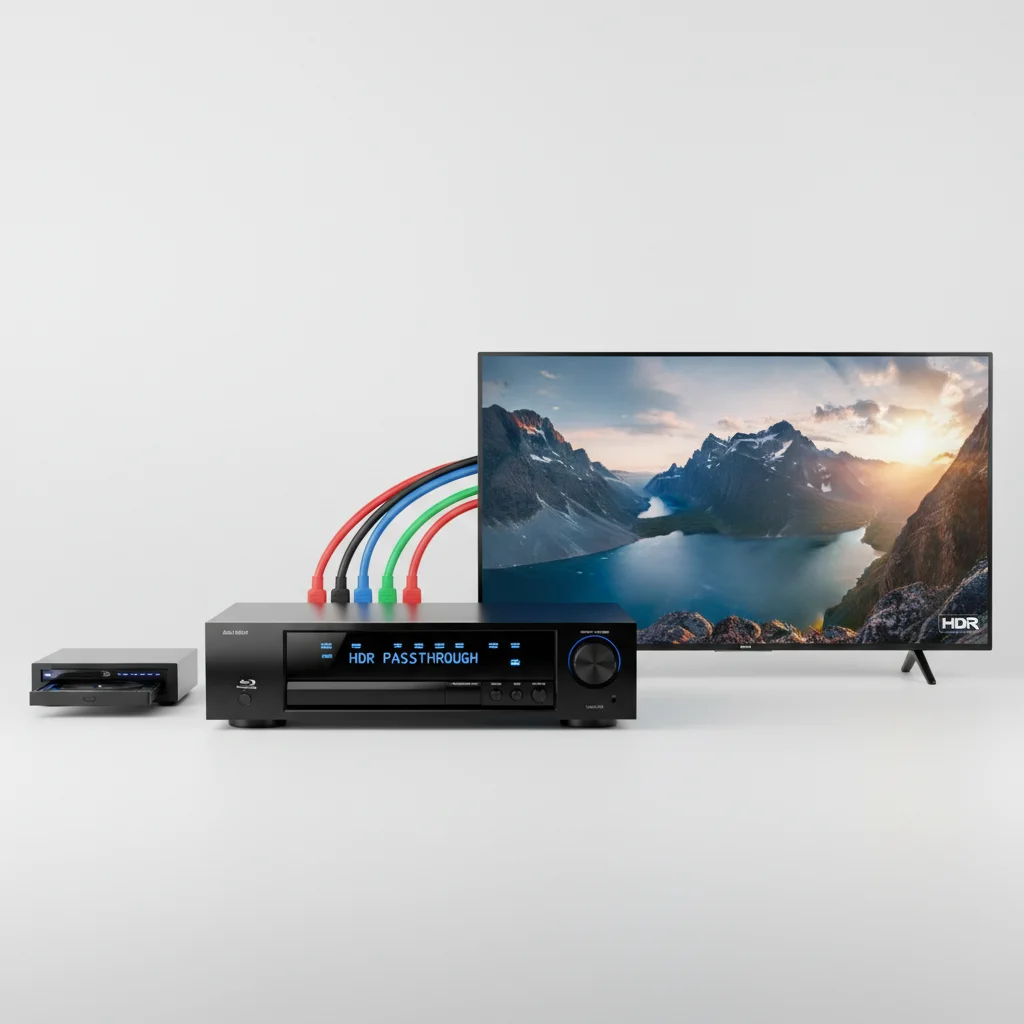
AV receiver HDR passthrough generally does not degrade video quality when properly configured. Modern AV receivers are designed to pass through high dynamic range (HDR) signals, such as HDR10, HLG, Dolby Vision, and HDR10+, without altering the video data. Any perceived degradation is usually due to incorrect settings, incompatible cables, or an older receiver model that doesn’t fully support the specific HDR format.
Understanding HDR Passthrough Technology
HDR passthrough is the ability of an AV receiver to transmit a high dynamic range video signal from a source device (like a Blu-ray player or gaming console) to a display (TV or projector) without processing or altering the HDR metadata. This metadata contains crucial information about brightness, contrast, and color gamut, which allows the display to render the image with greater detail in both bright and dark areas, and a wider range of colors. For optimal performance, your AV receiver must support the specific HDR format being sent, and its HDMI ports must be rated for the necessary bandwidth, typically HDMI 2.0b or HDMI 2.1 for advanced formats and higher resolutions.
Common Causes of Perceived Video Degradation
If you notice a drop in video quality when using HDR passthrough, several factors could be at play. The most common issues include using older HDMI cables that lack the bandwidth for HDR signals, incorrect HDMI input settings on your TV or receiver (often labeled ‘Enhanced’ or ‘Deep Color’), or an outdated receiver firmware. Sometimes, the source device itself might be configured to output an incompatible HDR format for your display or receiver. Always ensure all components in your signal chain—source, receiver, and display—are HDR-compatible and correctly configured.
Ensuring Optimal HDR Passthrough Performance
|
Our Picks for the Best AV Receiver in 2026
As an Amazon Associate I earn from qualifying purchases.
|
||
| Num | Product | Action |
|---|---|---|
| 1 | YAMAHA RX-V385 5.1-Channel 4K Ultra HD AV Receiver with Bluetooth |

|
| 2 | Sony STRDH590 5.2 Multi-Channel 4k HDR AV Receiver with Bluetooth (Renewed) Bundle with 3 YR CPS Enhanced Protection Pack |
|
| 3 | Denon AVR-X1700H 7.2 Channel AV Receiver - 80W/Channel, Advanced 8K HDMI Video w/eARC, Dolby Atmos, DTS:X, Built-in HEOS, Amazon Alexa Voice Control |
|
| 4 | Onkyo TX-RZ30 9.2-Channel AV Receiver - 100 Watts Per Channel, Dirac Live Out of Box, Works with Sonos Certified, THX Certified and More |
|
| 5 | Pyle 5.2 Channel Hi-Fi Home Theater Receiver - 1000W MAX Wireless BT Surround Sound Stereo Amplifier System with 4k Ultra HD Support, MP3/USB/DAC, Ideal for Immersive Home Audio Experience |
|
| 6 | Denon AVR-X1800H 7.2 Channel AV Stereo Receiver - 80W/Channel, Wireless Streaming via Built-in HEOS, WiFi, & Bluetooth, Supports Dolby Vision, HDR10+, Dynamic HDR, & Home Automation Systems |
|
| 7 | Denon AVR-S570BT AV Receiver 5.2 Channel 8K Ultra HD Audio & Video, Stereo Receivers, Denon AVR Wireless Streaming Bluetooth, (4) 8K HDMI Inputs, eARC, HD Setup Assistant |
|
| 8 | Sony STRDH190 2-ch Home Stereo Receiver with Phono Inputs & Bluetooth Black |
|
| 9 | Sony STR-AN1000 7.2 CH Surround Sound Home Theater 8K A/V Receiver: Dolby Atmos, DTS:X, Digital Cinema Auto Calibration IX, Bluetooth, WiFi, Google Chromecast, Spotify connect, Apple AirPlay, HDMI 2.1 |
|
| 10 | Sony STRDH590 5.2 Channel Surround Sound Home Theater Receiver: 4K HDR AV Receiver with Bluetooth,Black |
|
To guarantee the best HDR passthrough experience, start by using certified High-Speed HDMI cables (or Ultra High-Speed for HDMI 2.1) that can handle 18Gbps or 48Gbps bandwidth. Check your AV receiver’s settings to ensure its HDMI inputs are set to ‘Enhanced’ or ‘Standard’ mode, depending on the manufacturer’s terminology, to allow full HDR data transmission. Similarly, verify your TV’s HDMI input settings are configured for full HDR support. Regularly update your receiver’s firmware to ensure compatibility with the latest HDR standards and bug fixes. A quick check of your receiver’s manual or online support page can provide specific instructions for your model.
- Use certified High-Speed or Ultra High-Speed HDMI cables.
- Enable ‘Enhanced’ or ‘Deep Color’ HDMI settings on both receiver and TV.
- Update AV receiver firmware to the latest version.
- Verify source device HDR output settings match display capabilities.
- Ensure all components support the specific HDR format (e.g., Dolby Vision).
When to Consider a Receiver Upgrade
If your current AV receiver is several years old, it might not fully support modern HDR formats or the necessary HDMI bandwidth. Receivers from before 2016 often lack full HDR10 support, and those before 2018 might struggle with Dolby Vision or HDR10+. If you’ve tried all troubleshooting steps and still experience issues, an upgrade might be necessary. Newer models, like the, offer advanced HDMI 2.1 features, including 8K passthrough and full support for all current HDR formats, ensuring future-proof compatibility and pristine video quality. For those seeking a more budget-friendly option with solid HDR capabilities, theis a highly-rated choice.
Conclusion
In summary, AV receiver HDR passthrough should not degrade video quality. When issues arise, they are almost always attributable to configuration errors, cable limitations, or outdated hardware. By meticulously checking your settings, upgrading cables, and ensuring firmware is current, you can enjoy the full visual fidelity that HDR content offers through your home theater system. If all else fails, a modern AV receiver designed for today’s demanding video standards will resolve most passthrough challenges.
