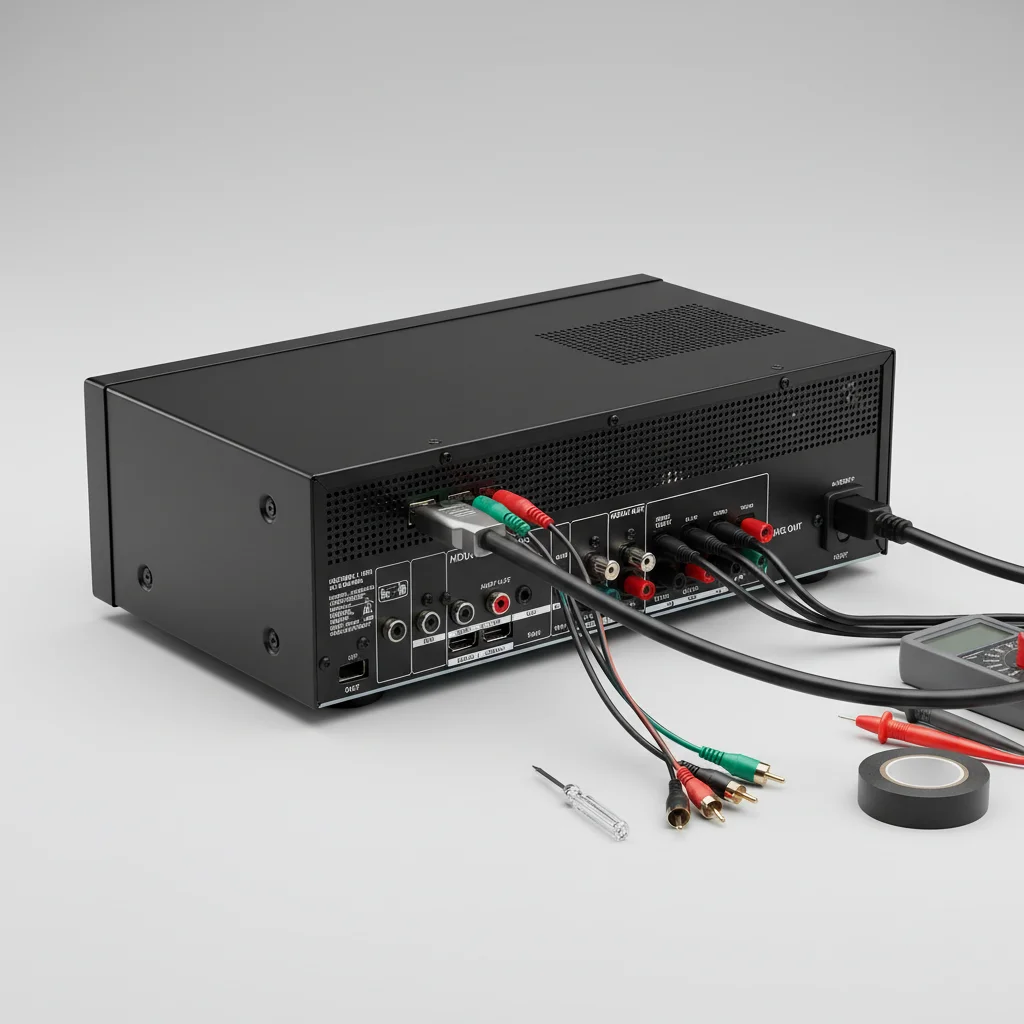
When your AV receiver HDMI ARC (Audio Return Channel) isn’t working, it can be frustrating, but there are typically five common DIY fixes you can try before calling a professional. The most frequent culprits include incorrect cable connections, outdated firmware, or misconfigured settings on either your TV or receiver. By systematically troubleshooting these areas, you can often restore audio functionality and get your home theater back in action.
Check Your HDMI Cable and Connections
The first and most fundamental step is to verify your HDMI cable and its connections. Ensure you are using a high-speed HDMI cable, preferably one rated for HDMI 2.0 or higher, as older cables may not fully support ARC functionality. Confirm that the cable is securely plugged into the designated HDMI ARC port on both your TV and your AV receiver. These ports are usually labeled clearly as “HDMI ARC” or “HDMI 1 (ARC)”. A loose connection or a faulty cable is a surprisingly common cause of ARC issues. Try swapping out the cable with a known good one to rule out a defective cable.
Power Cycle Your Devices
A simple power cycle can often resolve many electronic glitches, including ARC problems. Turn off your TV, AV receiver, and any other connected devices (like streaming boxes). Unplug them from the wall outlet for at least 60 seconds. This allows the internal capacitors to fully discharge and can clear any temporary software or hardware conflicts. After the minute has passed, plug everything back in, turn on your TV first, then your AV receiver, and finally any other components. This specific power-on sequence can sometimes be crucial for ARC handshake protocols.
Verify TV and AV Receiver Settings
|
Our Picks for the Best AV Receiver in 2026
As an Amazon Associate I earn from qualifying purchases.
|
||
| Num | Product | Action |
|---|---|---|
| 1 | Sony STRDH590 5.2 Multi-Channel 4k HDR AV Receiver with Bluetooth (Renewed) Bundle with 3 YR CPS Enhanced Protection Pack |

|
| 2 | Sony STRDH190 2-ch Home Stereo Receiver with Phono Inputs & Bluetooth Black |
|
| 3 | Onkyo TX-RZ30 9.2-Channel AV Receiver - 100 Watts Per Channel, Dirac Live Out of Box, Works with Sonos Certified, THX Certified and More |
|
| 4 | Denon AVR-S570BT AV Receiver 5.2 Channel 8K Ultra HD Audio & Video, Stereo Receivers, Denon AVR Wireless Streaming Bluetooth, (4) 8K HDMI Inputs, eARC, HD Setup Assistant |
|
| 5 | Denon AVR-X1800H 7.2 Channel AV Stereo Receiver - 80W/Channel, Wireless Streaming via Built-in HEOS, WiFi, & Bluetooth, Supports Dolby Vision, HDR10+, Dynamic HDR, & Home Automation Systems |
|
| 6 | YAMAHA RX-V385 5.1-Channel 4K Ultra HD AV Receiver with Bluetooth |
|
| 7 | Sony STRDH590 5.2 Channel Surround Sound Home Theater Receiver: 4K HDR AV Receiver with Bluetooth,Black |
|
| 8 | Denon AVR-X1700H 7.2 Channel AV Receiver - 80W/Channel, Advanced 8K HDMI Video w/eARC, Dolby Atmos, DTS:X, Built-in HEOS, Amazon Alexa Voice Control |
|
| 9 | Sony STR-AN1000 7.2 CH Surround Sound Home Theater 8K A/V Receiver: Dolby Atmos, DTS:X, Digital Cinema Auto Calibration IX, Bluetooth, WiFi, Google Chromecast, Spotify connect, Apple AirPlay, HDMI 2.1 |
|
| 10 | Pyle 5.2 Channel Hi-Fi Home Theater Receiver - 1000W MAX Wireless BT Surround Sound Stereo Amplifier System with 4k Ultra HD Support, MP3/USB/DAC, Ideal for Immersive Home Audio Experience |
|
Incorrect settings on either your television or AV receiver are a frequent cause of ARC failure. On your TV, navigate to the audio settings and ensure that HDMI ARC or CEC (Consumer Electronics Control) is enabled. The exact terminology varies by brand (e.g., Samsung Anynet+, LG SimpLink, Sony Bravia Sync). Also, confirm that the TV’s audio output is set to an external audio system or receiver, not its internal speakers. On your AV receiver, ensure that the correct input is selected and that any HDMI control or ARC features are activated within its setup menu. Consult your owner’s manuals for precise instructions for your specific models.
- Ensure TV’s HDMI-CEC/ARC is enabled.
- Set TV audio output to external speakers.
- Verify AV receiver’s HDMI control/ARC is active.
- Check for any conflicting audio processing settings.
- Confirm the correct HDMI input is selected on the receiver.
Update Firmware on Both Devices
Outdated firmware can lead to compatibility issues and prevent ARC from functioning correctly. Manufacturers frequently release firmware updates to improve performance, add features, and fix bugs. Check the support sections of your TV and AV receiver manufacturers’ websites for the latest firmware versions. Follow their instructions carefully to download and install any available updates. This process often involves downloading a file to a USB drive and then inserting it into the device, or in some cases, the update can be performed directly over the internet if your devices are connected to your home network.
Perform a Factory Reset
If all other troubleshooting steps fail, a factory reset of both your TV and AV receiver might be necessary. This will revert all settings to their original defaults, which can often clear persistent software glitches. Be aware that performing a factory reset will erase all your personalized settings, so you will need to reconfigure them afterward. Consult your device manuals for the specific steps to perform a factory reset, as the process varies significantly between brands and models. After the reset, carefully re-enable ARC and CEC features and test the connection.

I tried all the suggested fixes for my HDMI ARC issue, including updating the firmware on my receiver, but still no luck. The advice was clear, but it seems my problem might be more complex than just a cable or a setting. I appreciate the systematic approach, but it didn’t solve my specific problem this time. Still, good to have a checklist.
My home theater setup suddenly lost sound through ARC, and I was dreading having to reconfigure everything. The suggestion to simply power cycle both the TV and the AV receiver was surprisingly effective! It was such a simple fix, but one I hadn’t thought of. Saved me a lot of time and frustration. Highly recommend trying that first.
I was pulling my hair out trying to figure out why my soundbar wasn’t getting audio from my TV through the receiver. The tip about checking for a high-speed HDMI 2.0 cable was a lifesaver! Turns out my old cable was the problem. Swapped it out and everything works perfectly now. So glad I didn’t have to call a technician.
This guide was super helpful when my AV receiver’s ARC stopped working after a power flicker. I went through the steps, especially the part about checking the TV and receiver settings. Found out a setting on my TV had somehow reverted. It took a bit of digging, but I got it sorted. Wish the menu systems were more intuitive, but that’s not the guide’s fault!