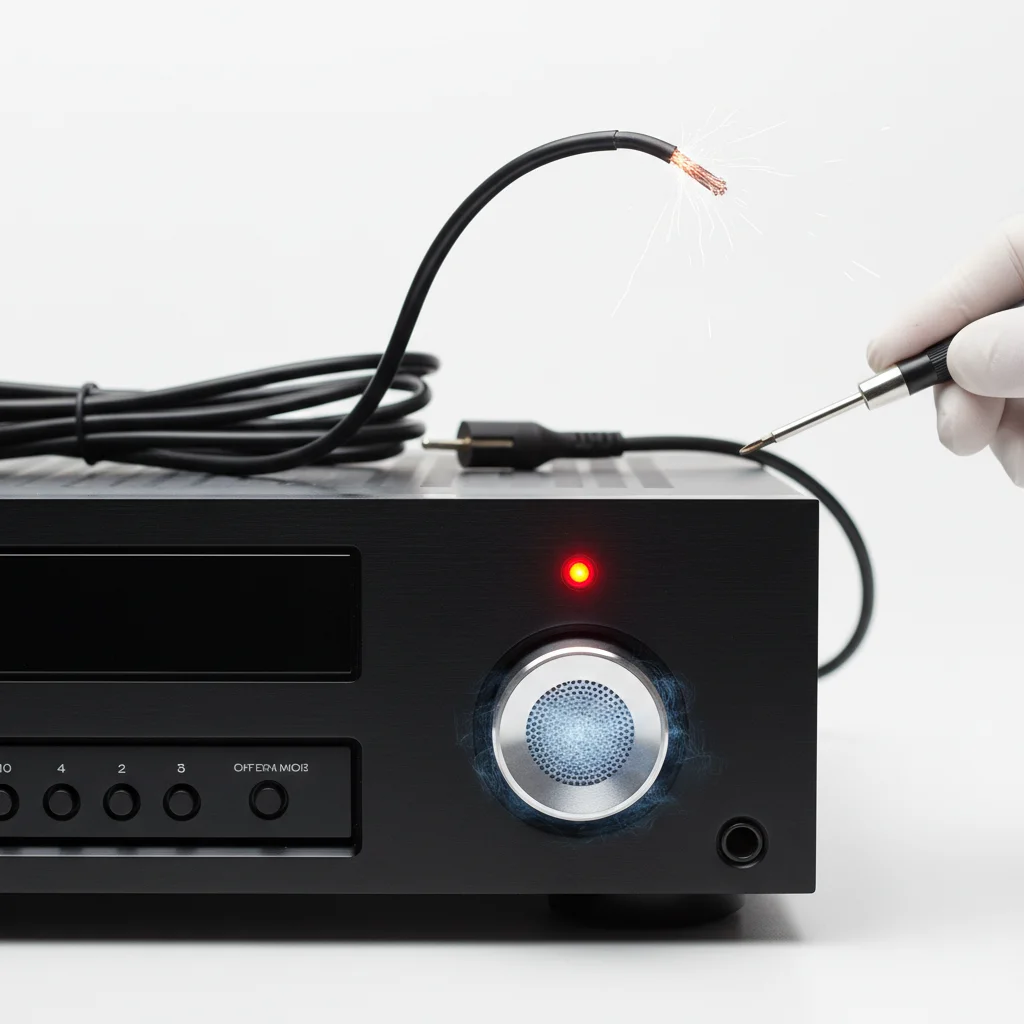
An AV receiver buzzing noise is typically caused by a ground loop, faulty cabling, or internal component issues. Diagnosing the exact cause requires systematic troubleshooting, often starting with isolating power sources and checking cable connections. Addressing the buzz promptly can prevent further damage and restore clear audio.
Understanding the Causes of AV Receiver Buzzing
The most common culprit behind an AV receiver buzzing noise is a ground loop. This occurs when there are multiple paths to ground, creating unwanted current flow and interference. Other potential causes include poorly shielded or damaged audio cables, loose connections, or interference from other electronic devices. Less frequently, an internal component failure within the receiver itself can generate a persistent hum or buzz. For best diy home roundups on this site.
Troubleshooting Ground Loop Issues
To identify if a ground loop is the source of your buzzing, begin by unplugging all audio and video inputs from your AV receiver, leaving only the speakers connected. If the buzz disappears, gradually reintroduce each component one by one until the buzz returns. This helps pinpoint the problematic device. Using a ground loop isolator on the offending component’s audio connection can often resolve the issue. Alternatively, ensuring all your home theater components are plugged into the same electrical outlet or power strip can sometimes mitigate ground loops by providing a common ground point.
- Unplug all inputs from the receiver.
- Reconnect components one by one to identify the source.
- Use a ground loop isolator for problematic devices.
- Ensure all components share a common power outlet.
- Check for proper grounding of all electrical outlets.
Inspecting Cables and Connections
|
Our Picks for the Best AV Receiver in 2026
As an Amazon Associate I earn from qualifying purchases.
|
||
| Num | Product | Action |
|---|---|---|
| 1 | Sony STRDH590 5.2 Multi-Channel 4k HDR AV Receiver with Bluetooth (Renewed) Bundle with 3 YR CPS Enhanced Protection Pack |

|
| 2 | YAMAHA RX-V385 5.1-Channel 4K Ultra HD AV Receiver with Bluetooth |
|
| 3 | Denon AVR-S570BT AV Receiver 5.2 Channel 8K Ultra HD Audio & Video, Stereo Receivers, Denon AVR Wireless Streaming Bluetooth, (4) 8K HDMI Inputs, eARC, HD Setup Assistant |
|
| 4 | Sony STR-AN1000 7.2 CH Surround Sound Home Theater 8K A/V Receiver: Dolby Atmos, DTS:X, Digital Cinema Auto Calibration IX, Bluetooth, WiFi, Google Chromecast, Spotify connect, Apple AirPlay, HDMI 2.1 |
|
| 5 | Onkyo TX-RZ30 9.2-Channel AV Receiver - 100 Watts Per Channel, Dirac Live Out of Box, Works with Sonos Certified, THX Certified and More |
|
| 6 | Pyle 5.2 Channel Hi-Fi Home Theater Receiver - 1000W MAX Wireless BT Surround Sound Stereo Amplifier System with 4k Ultra HD Support, MP3/USB/DAC, Ideal for Immersive Home Audio Experience |
|
| 7 | Denon AVR-X1800H 7.2 Channel AV Stereo Receiver - 80W/Channel, Wireless Streaming via Built-in HEOS, WiFi, & Bluetooth, Supports Dolby Vision, HDR10+, Dynamic HDR, & Home Automation Systems |
|
| 8 | Denon AVR-X1700H 7.2 Channel AV Receiver - 80W/Channel, Advanced 8K HDMI Video w/eARC, Dolby Atmos, DTS:X, Built-in HEOS, Amazon Alexa Voice Control |
|
| 9 | Sony STRDH190 2-ch Home Stereo Receiver with Phono Inputs & Bluetooth Black |
|
| 10 | Sony STRDH590 5.2 Channel Surround Sound Home Theater Receiver: 4K HDR AV Receiver with Bluetooth,Black |
|
Faulty or poorly shielded cables are another frequent cause of buzzing. Inspect all RCA, HDMI, and speaker cables for any signs of damage, fraying, or loose connectors. Replace any suspicious cables with high-quality, shielded alternatives. Ensure all connections are snug and fully inserted into their respective ports on both the receiver and the source devices. Sometimes, simply wiggling a cable can reveal a loose connection that is causing the interference.
Addressing External Interference and Internal Faults
Other electronic devices, such as Wi-Fi routers, dimmer switches, or even refrigerators, can emit electromagnetic interference that manifests as a buzz through your audio system. Try moving your AV receiver away from such devices or plugging them into different circuits. If, after all these steps, the buzzing persists, the issue might be internal to the receiver. This could indicate a failing power supply component or a damaged circuit board. In such cases, professional repair or replacement of the receiver may be necessary.
Preventative Measures for a Buzz-Free System
To prevent future buzzing noises, invest in high-quality, shielded cables from the outset. Organize your cables to avoid tangling and crossing power cables with audio cables, which can induce noise. Regularly check connections for tightness and ensure your electrical outlets are properly grounded. Consider using a power conditioner or surge protector that also offers noise filtration to protect your equipment and maintain clean power delivery.
